
Want AI in your contracting business? Start with what’s eating your evenings.
Everyone’s talking about AI, so it feels like the answer. But most of the calls, estimates and follow-ups that eat a contractor’s week don’t need AI at all. They need a simple system that runs while you’re on the tools, with you still in charge. Here’s how to tell the difference, and exactly where to start.
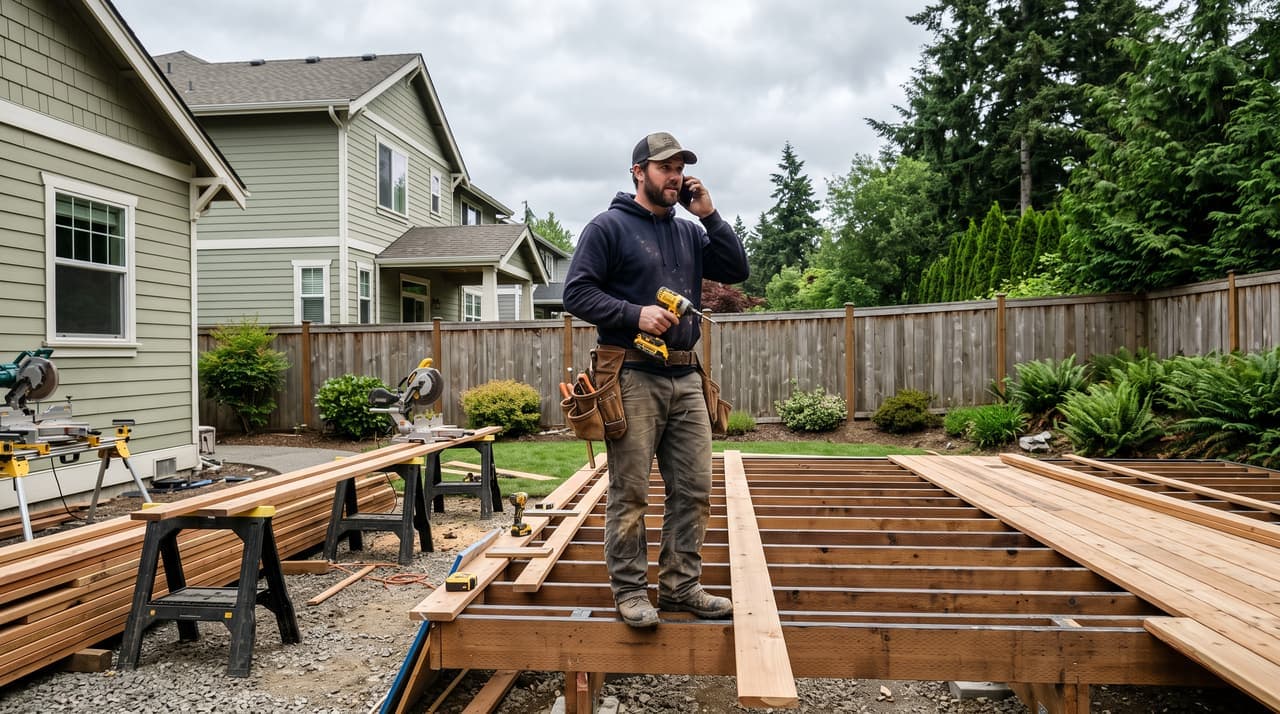
Find what’s slowing you down before you pick a tool
“Use AI” isn’t a goal. Calling every lead back, getting estimates out the same week and getting paid on time are. Answer these three and you’ll know what to fix first.
- 1What do you end up doing in the truck at the end of the day, or on Sunday night?
- 2When a homeowner calls while you’re up a ladder or running a saw, what happens to that call?
- 3Between the first call and the final payment, where does a job sit waiting on you?
When it piles up, what slips?
- Callbacks
- Estimates
- Getting paid
- Your evenings
Bring your answers to a call and we'll turn them into a short list of what to fix first.
The office work, done the same way every time while you’re on the job
- Automated workflows
- CRM and missed call text back
An automated workflow is a rule: when this happens, do that. No AI involved. It does exactly what you set, every time, so you always know what the homeowner got. Most of the office work that follows you home lives here.
When
You miss a call on site
Then
They get a text from your business number straight away, so they don’t call the next contractor on the list.
When
Someone asks for an estimate
Then
They get a link to book a site visit, then a reminder the day before.
When
An estimate goes quiet
Then
A friendly follow-up goes out after the few days you choose.
When
A job is on the schedule
Then
The homeowner gets a heads-up the day before, and your crew gets the address and start time.
When
A deposit or progress draw is due
Then
Reminders go out until it’s paid, so you’re not the one chasing.
When
The job is finished
Then
The homeowner is asked for a Google review while they’re still happy with it.
We set these up in your business, in your words and on your timing, and test each one before it goes live.
AI for the jobs where something has to be read or written
- AI receptionist & workflows
AI earns its place when the input is different every time: a homeowner’s question, a long email about their project, a text with five photos. Use it on work you already know how to do, so you can check what it gives you. It prices only from your numbers and your rules, and nothing goes out until you’ve checked it.
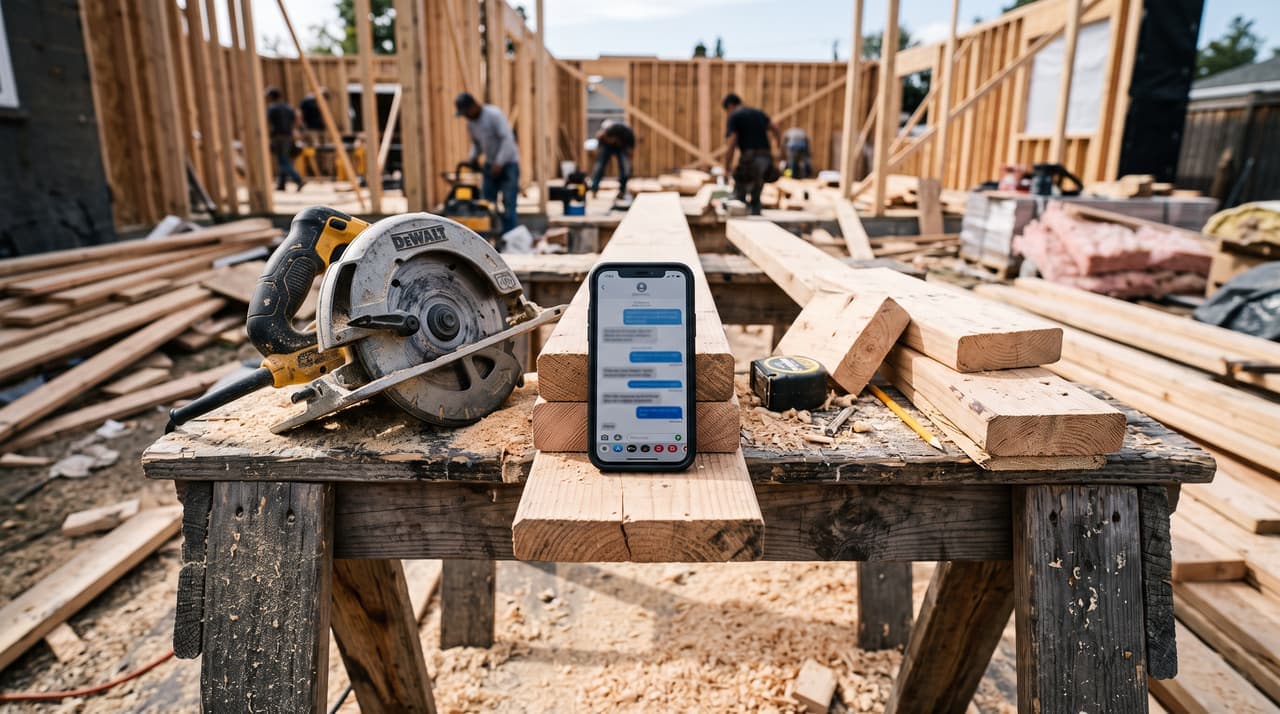
Answering the first questions
What you build, the areas you cover, how soon you can look at it: answered from the information you give it and approve, nothing else.
Reading the project message
Takes a long message about their project and puts the address, the scope and the timeline into the lead, ready for your site visit.
Drafting the estimate
Builds a draft from your site-visit notes, your costs and the conditions you set, so it goes out the same day. You check every number and send it.
Sorting the inbox
Separates homeowners, suppliers and inspections, and flags change requests and anything that needs you today.
We give it your information, set what it can and can't answer, and you approve its drafts until you trust it.
The tools do the paperwork. You still run the job.
Nothing here replaces you, your pricing or the way you deal with homeowners. It takes the copy-and-paste off your plate and keeps you on everything that matters.
You set how much it does
Price every job yourself, let it draft estimates from your costs and rules, or let it send the routine ones. Your call, and you can change it.
Anything unusual comes to you
A complaint, a change request, a site question: it’s handed to you with the conversation so far.
Drafts wait for you
Estimate emails and replies sit as drafts until you read them and press send.
You can see everything
Every call, text and email with each homeowner in one place, from your phone. Step in whenever you want.
A real person set it up
We’re local. When something needs changing, you call us, not a help desk.
We build the hand-offs to you in from day one, so nothing goes out that you wouldn't say yourself.
Know which one the job needs
Most contractors need both, in that order: the automations first, because they catch the calls and chase the money, then AI where it really helps. Our AI receptionist works that way. Rules handle the booking and reminders; AI handles the conversation.
We sort your office work into three piles: automate it, use AI, or keep it with you.
Know exactly where to start after one conversation
You don’t need to know what to ask for. That’s our job. Here’s how it goes.
- 1Coffee or a callYou walk us through a normal week, from the first call to the final payment. No tech talk, no pitch.
- 2Your office-work mapWe write down every task you repeat, what it costs you (time, jobs or money), and sort each one: automate it, use AI, or keep it with you. The map is yours to keep.
- 3Fix the biggest one firstUsually the missed calls or the estimate follow-ups. We set up the one or two that take the most off your plate, and you use them for a few weeks.
- 4Then the nextOnce it's working, we move down the list. When your business changes, we change it with you.
Thinking of hiring an office person?
A new hire still has to learn how you run jobs and work out what to set up, and the wage keeps going once it’s done. We map it, set it up and stay on call, so it’s like having someone in the office for this without adding a wage.
If you’d still rather hire, the map is yours to hand them.
One conversation, and you'll know your first step.
Not sure where yours fits? Let’s figure it out over coffee.
We’re in Maple Ridge. We’ll look at how your week actually runs and tell you straight what to automate, where AI helps, and what to leave alone.