
Website design for contractors
People search for a contractor and don’t find you on Google. The ones who do can’t call from their phone, or ask for an estimate and never hear back while you’re on site, so they hire someone else. We build contractor sites that get found, get the call and get you onto the job.
A website that gets found, gets the call and books the job
- Web design
- SEO
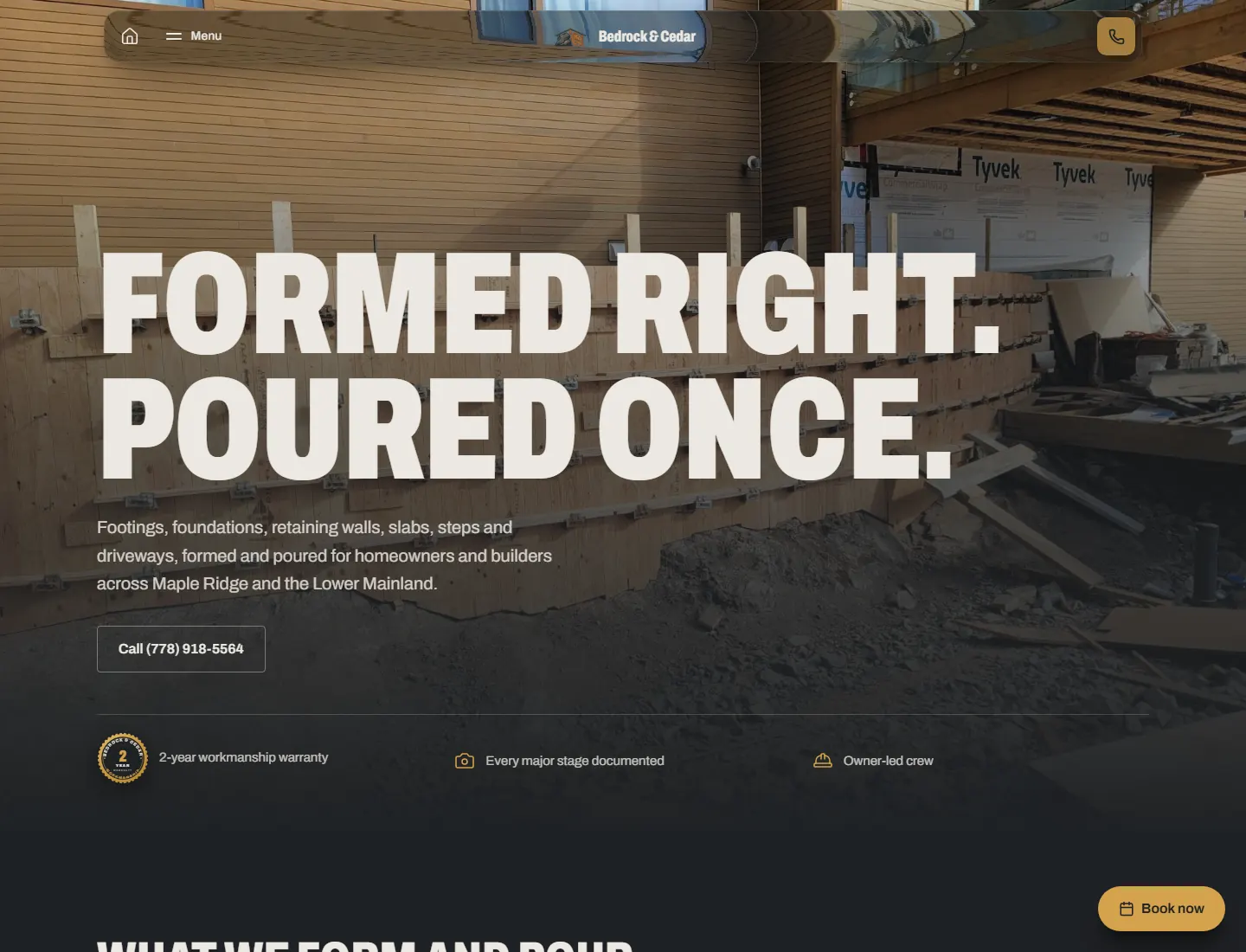
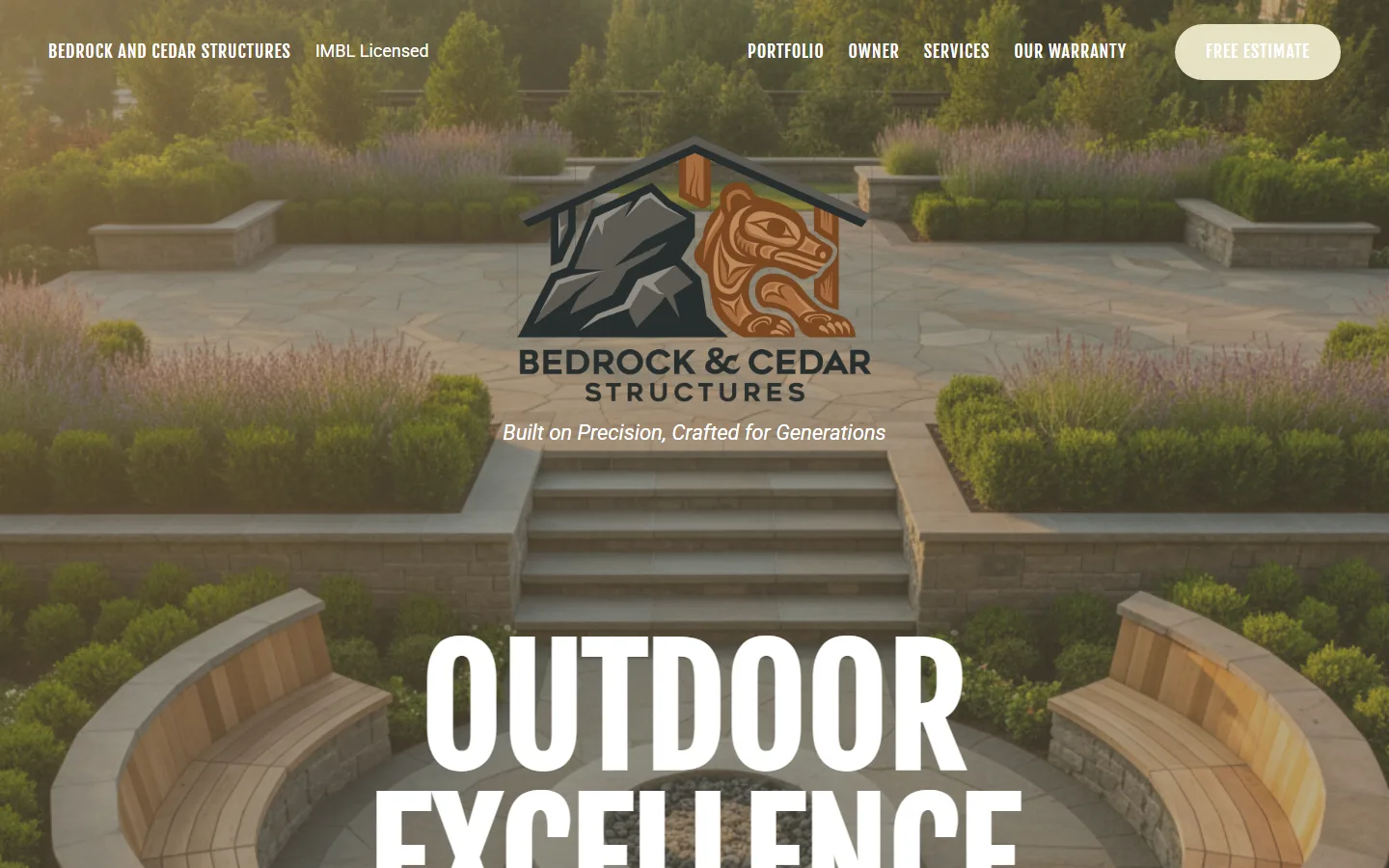
We rebuilt this concrete forming company’s site with a page for every service and every town it works in, one tap to call on every page, and every estimate request sent straight to the owner’s phone. Drag to see the difference.
Leads go cold before you even see them
- Web design
- AI receptionist & workflows
Before · Losing jobs
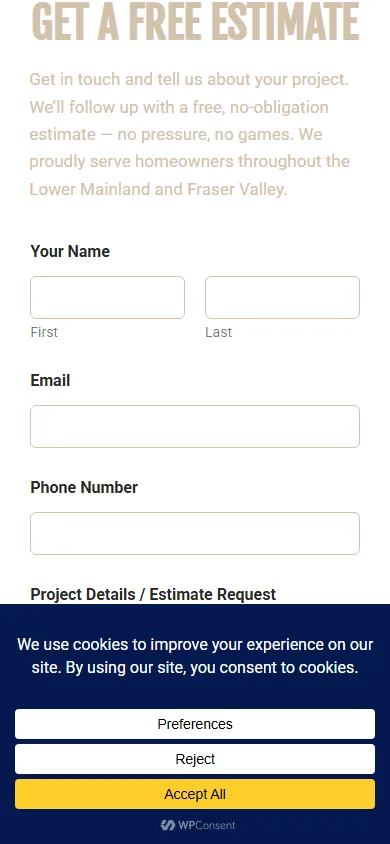
On the old site, every estimate request arrived as a plain email: eight of them between July 21 and the end of August. No alert, no record of who asked for what, nothing to show it had been answered. The only way to know a job had come in was to keep checking email.
Now · Fixed
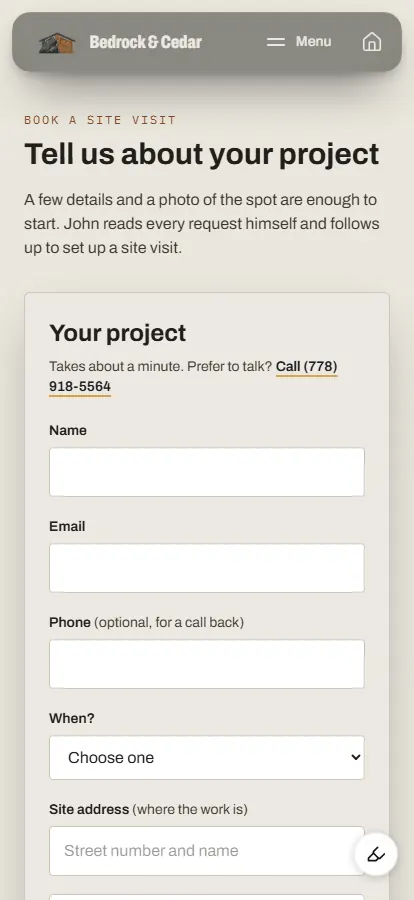
Now the moment someone fills in the form, you're notified, and they're saved with what they asked for. Nothing waits on you checking your inbox.
Callers give up before they reach you
- Web design
- SEO
Before · Losing jobs
The old site didn't have one tap-to-call link, so anyone on a phone had to copy the number to call. The estimate form asked for seven things over two tabs before it would even send.
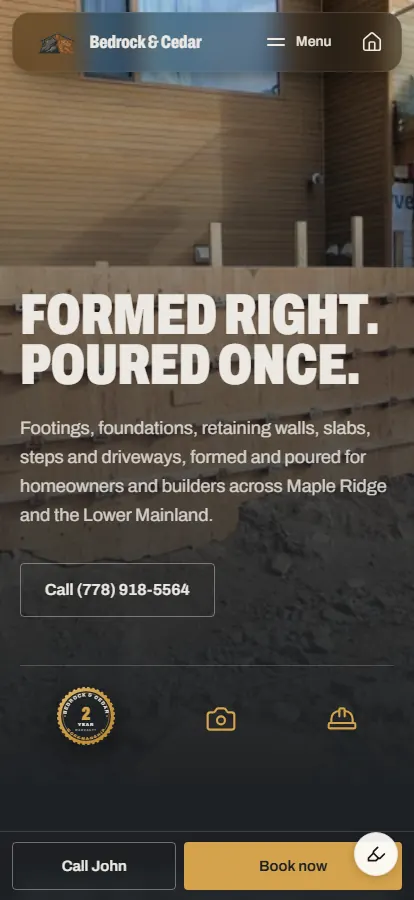
Now · Fixed
Your number is one tap away on every page, with a page for each service and each town you work in, written in the words homeowners and builders search with.
Phone tag holds up every job
- AI receptionist & workflows
Before · Slowing you down
Even once you spot the email, everything after it is phone tag: calling back, finding a time, then arranging to see the job.
Now · Fixed
Now it runs in order: you're notified, you hop on a call, book them into a meeting, then book the site visit to go and see the job, and go from there.
- Form filled in
- You're notified
- A call
- A meeting booked
- A site visit booked
A missed call doesn’t have to be a lost job
- AI receptionist & workflows
You’re on a pour and the phone rings. It’s missed, and straight away the caller gets a text from your business number, so they hear back from you before they call the next contractor.
- 1A call comes in
- 2Missed while you're on the job
- 3A text goes out for you
- 4They reply
- 5You call back as soon as you can
On the owner’s phone: a call comes in, it’s missed, a text goes to the caller saying “Sorry we missed your call. How may we assist you?”, the caller replies, and the owner calls them back as soon as they can.
Estimates in minutes, not weeks
Everything above gets you onto the site. What comes after is the estimate, and that’s the next problem we’re solving. We’re building a custom dashboard to manage your crews, your jobs and your clients, and to speed up estimating: what used to take weeks, we’re building to take minutes.
Crews
Who's on which job, and when.
Jobs
Every job from the first call to the final pour.
Clients and estimates
Each client's details, and an estimate built in minutes, not weeks.
Want this for your business?
Based in Maple Ridge, working across Metro Vancouver.