
Free · Systems · 6 steps
Switch your Google Workspace email to a new domain
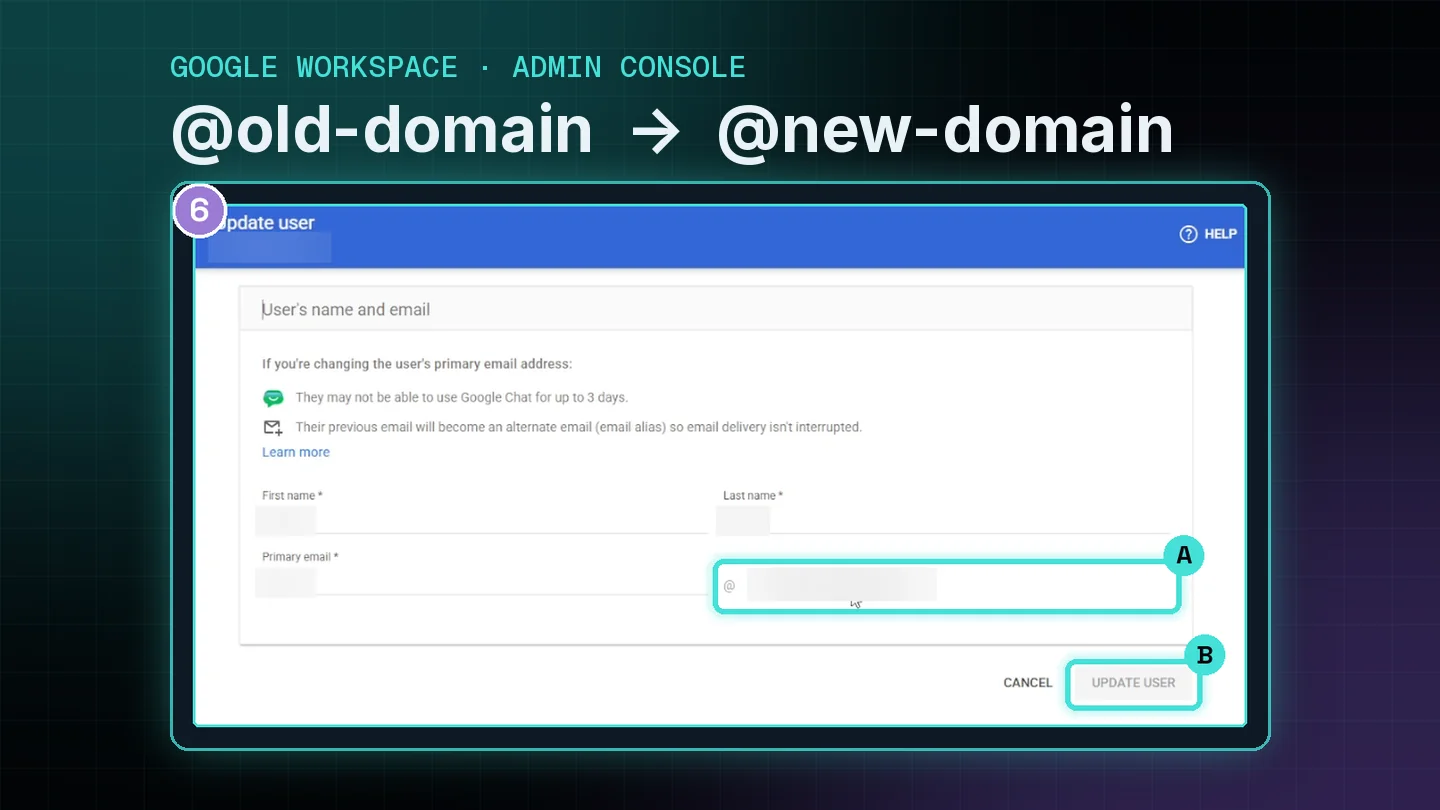
New business name or a new website domain, but your email still ends in the old one? Add the new domain to Google Workspace and switch your primary email in 6 steps. Same account, same inbox, and your old address keeps working.
- ✓ Annotated screenshots of every place to click in the Admin console.
- ✓ No mail lost: the old address stays on as an alias.
- ✓ PDF download so you can follow along on a second screen.
Why it matters
Your email should match your business
The problem
Mismatched email
Your website and signs show the new name, but every email still goes out from the old domain.
Who notices
Customers and A2P
Customers see an address that doesn't match your business. A2P texting registration also compares your business email to your website, and a mismatch can get it sent back.
The fix
Same account, new domain
Add the domain as a secondary domain and switch the primary email. Workspace bills per user, not per domain, so adding the new domain costs nothing extra.
Step-by-step guide
6 steps with screenshots
You'll need a Google Workspace admin login and access to your domain host (the company where you bought the new domain).
Free account
Open the 6 steps and the PDF
Make a free account and it opens right here. The same account opens every guide and your free website scan.
Keep going
More free resources
Getting found · 45 min
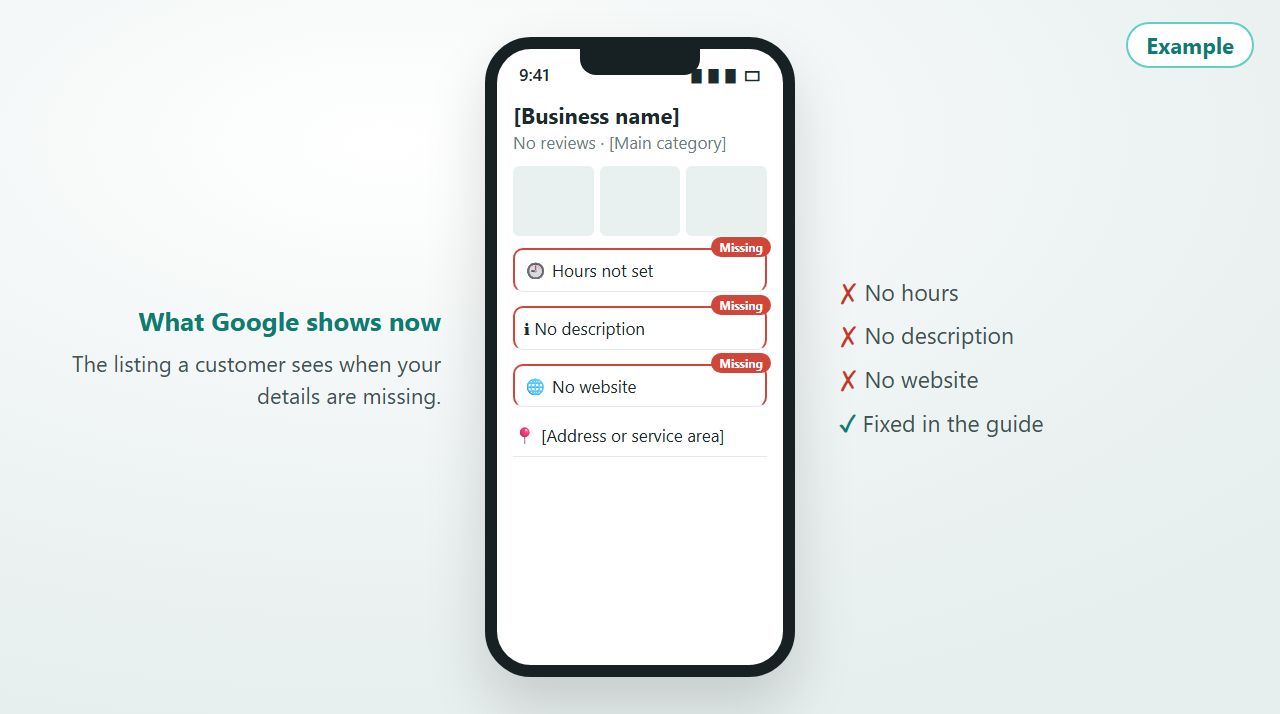
Why isn't my business showing up on Google?
An interactive guide that takes you through fixing your listing yourself. It starts with the five ways wrong or missing details push you down Google, then walks you through the changes.
Interactive guide
Getting paid · 5 min setup
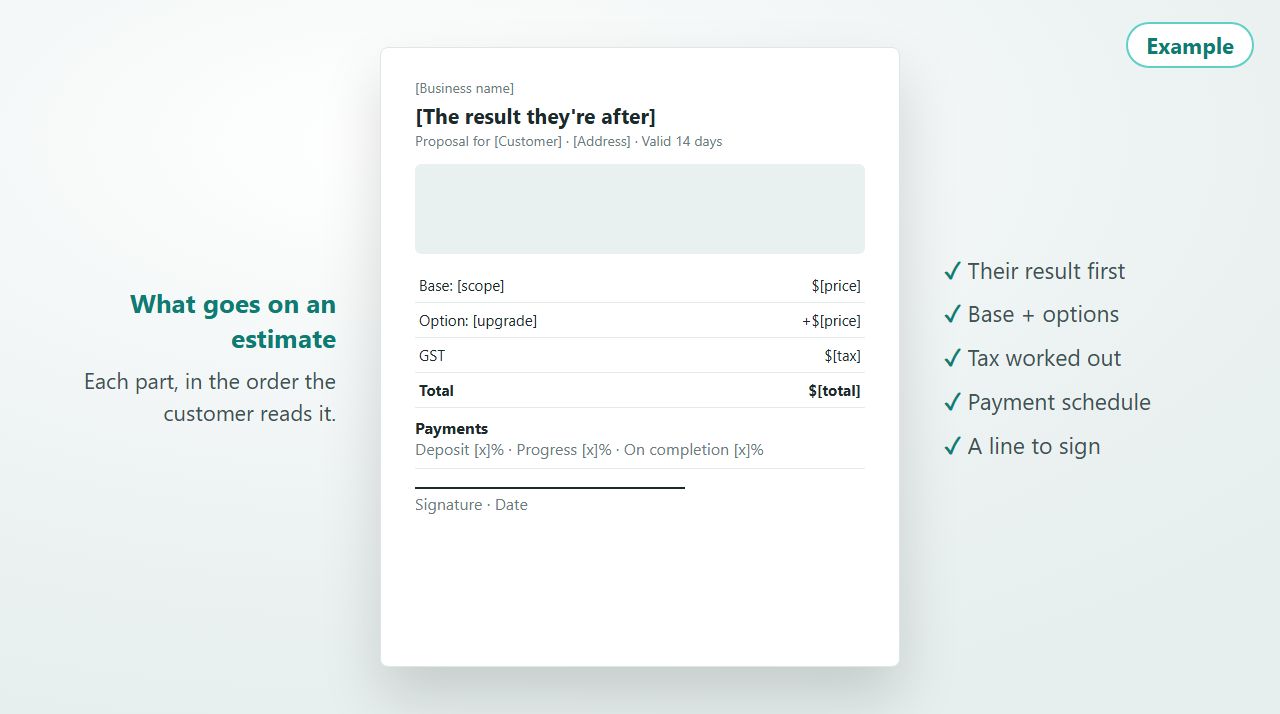
Free contractor estimate template
What goes on an estimate, section by section, and a free proposal builder for concrete and formwork jobs: site photos, a base price plus options, a price book, saved to your account.
Guide + proposal builder · free account
Getting paid · 6 min read
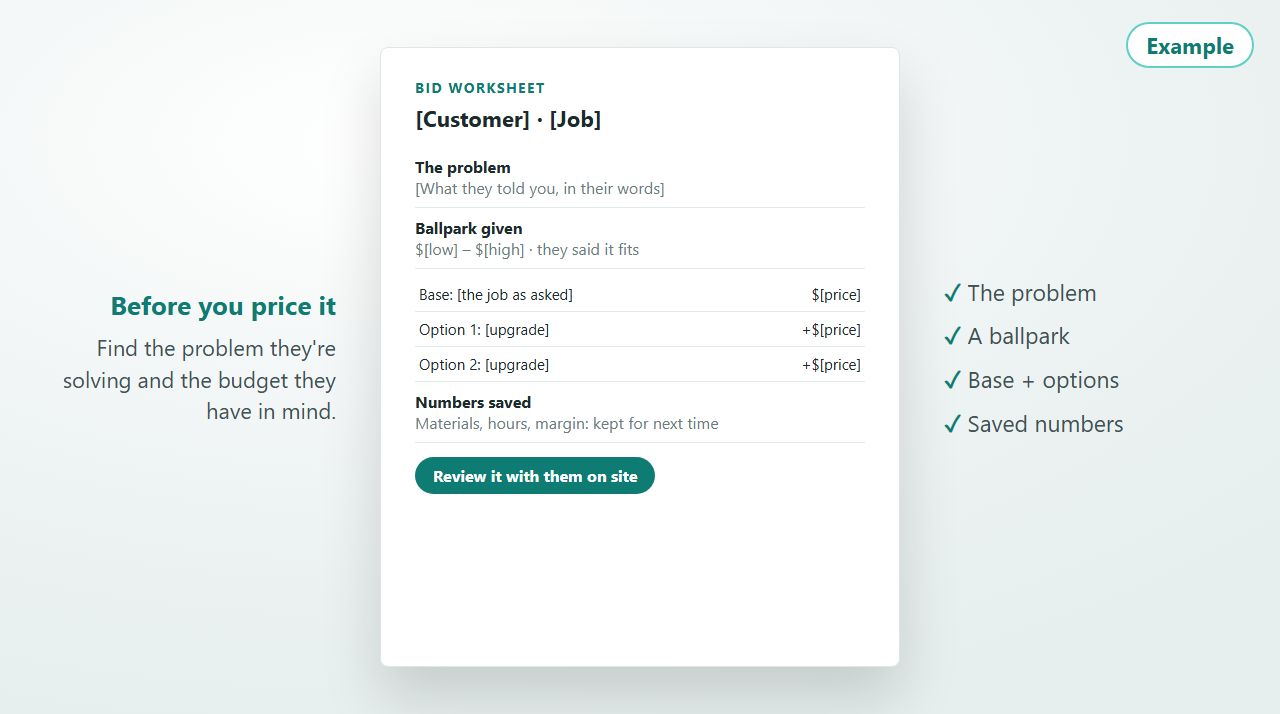
How to bid a contracting job
Find the problem they're solving, use a ballpark to find the budget, price a base plus options, save every number, and review it with them on the spot.
Guide
Websites · 8 min read
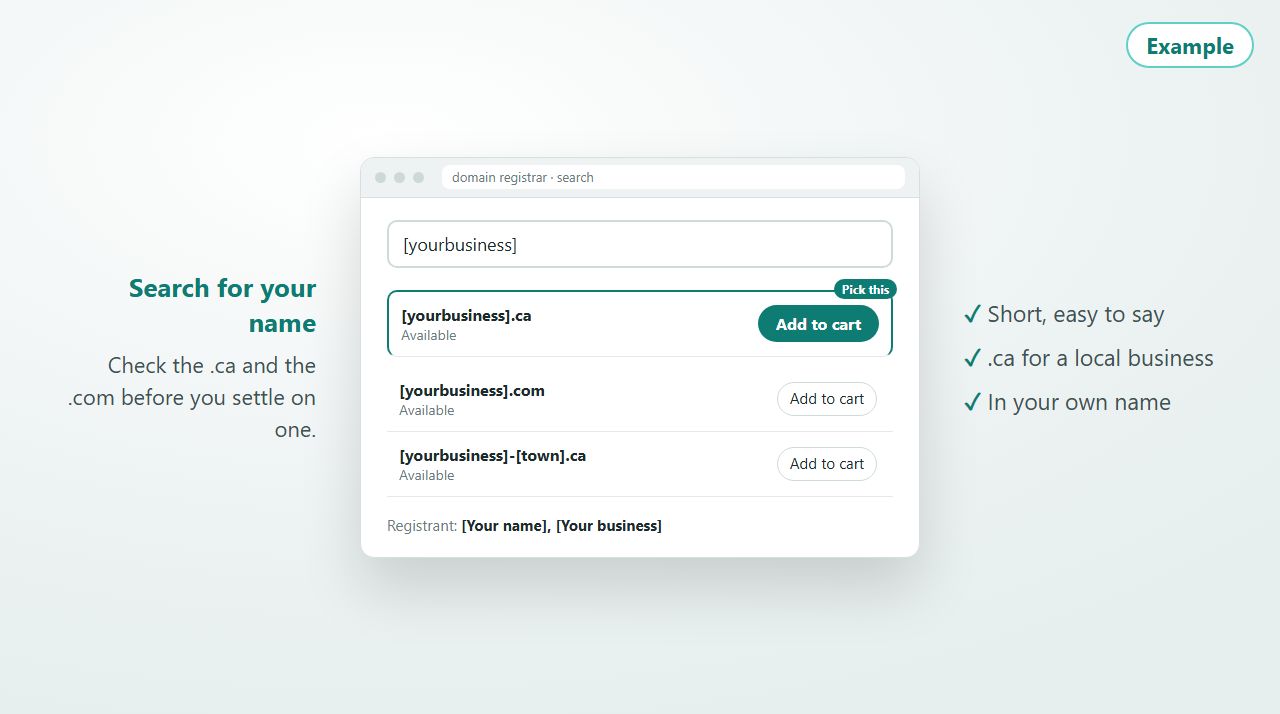
Buying your domain name
How to pick a domain name for a service business, what to do when the one you want is taken, and how to buy it so it stays in your name.
Guide

Productivity · 15 min setup
One Google Drive on every device
Get your desktop, laptop, phone and tablet working from the same files. A 1-minute video plus a 6-step interactive walkthrough with Windows/Mac and iPhone/Android paths.
Video + interactive walkthrough · free account