
Why isn't my business showing up on Google?
If homeowners can't find you, your business is a ghost on Google: it's there, but nobody sees it. Google picks a few businesses to show for each search. Missing, wrong or mismatched details on your listing and profiles push you down that list, or off it, and you never find out who searched.
Written 24 October 2026. Platform steps checked against Google, Meta and LinkedIn help pages the same month.
Five ways bad listing details keep you hidden
Google shows you less
Google's own help says that if your business info isn't accurate, your profile might not show up for relevant searches in your area. Blank fields leave Google less to match you to what people search.
Google rewrites your listing for you
Google builds your profile from your website and other public sources. When they disagree with what you entered, Google can change your listing itself, and suggested edits can go live if you don't answer within 4 days.
Fewer reviews, lower down
Google ranks partly on how well known you are, including how many reviews you have and how many sites link to you. A listing nobody looks after collects neither.
Stuffing the name can get you suspended
Adding towns or services to your business name breaks Google's rules. A suspended listing doesn't show up at all.
Two listings split you in half
Google allows one profile per business. An old duplicate causes problems with how you show on Maps and Search, and sends people to the wrong one.
From Google Business Profile Help: Tips to improve your local ranking, Google updates to your profile, Guidelines for representing your business.
Out of 296 local contractors we looked up
258 had at least one of these problems. 98 had three or more at the same time. Each one stacks: no hours, no description and a dead website link are three reasons for Google to show someone else.
Contractors in Maple Ridge, Pitt Meadows, Langley Township and Surrey, checked by Sector N9N in October 2026.
Step 1 · 10 minutes
Your fact sheet: write it once
Every platform gets exactly these words, so your name, number, hours and website match everywhere. It stays in this browser only; nothing is sent to us.
Tap or hover each flashing i for what to say and what not to say. 0 of 10 read.
Exactly as it's written on your truck and invoices.
Your main category.
The number people should call.
The address people should use.
The current one, starting https://
Leave blank if you go to customers.
Nearest first.
When someone will actually answer.
For Instagram and Facebook. 150 characters.
0 / 150For Google and LinkedIn. 750 characters.
0 / 750Not sure what to put in each field?
Claim your free analysis. We look up how your business shows up on Google right now, next to the businesses you compete with, and send you exactly what to put in each field before you change anything.
- Which primary and extra categories to pick on Google, based on how you show up now and what your competitors use.
- Which towns to list in your service area.
- What your description should say, and where your details don't match from one profile to the next.
- Where you show up next to the businesses you compete with, worst problem first.
Step 2 · about 30 minutes
Go through each platform
Each card shows what to change, your own wording to paste, and a link to where it lives. Menus move now and then; if a label looks different, look for the same field nearby.
Where to go
- Sign in to the Google account that owns the listing.
- Search your business name on Google, or open it in the Maps app.
- Tap Edit profile. If you don't see it, the listing isn't claimed: tap "Own this business?" and verify it first.
Google reviews changes before they go live, usually within a few days.
Exactly your real name. No extra words like "Best [trade] [town]": Google can suspend listings for that.
The closest match to what most of your work is. Add secondary categories for the rest.
Paste your long description.
The number someone will actually answer.
Your current site, full address with https://. Then tap it from the listing to make sure it opens.
If customers come to you, add the address. If you go to them, set your service area and hide the address.
Real hours, so nobody calls at 9 p.m. expecting an answer. Add holiday hours before each long weekend.
Edit profile → Contact → Social profiles. Add your Facebook, Instagram and LinkedIn, one link each. (Not every region has this yet.)
At least 10 photos of real finished jobs, plus your logo and truck. Add one from every job you finish.
Step 3 · 5 minutes, on your phone
The match check
Do this on your phone, signed out or in a private window, the way a customer would.
Add your business name in Step 1 to get your own search links here.
By Nova and Carver Lloyd – Digital Cowboy. Business know-how and AI, working together.
Keep going
More free resources
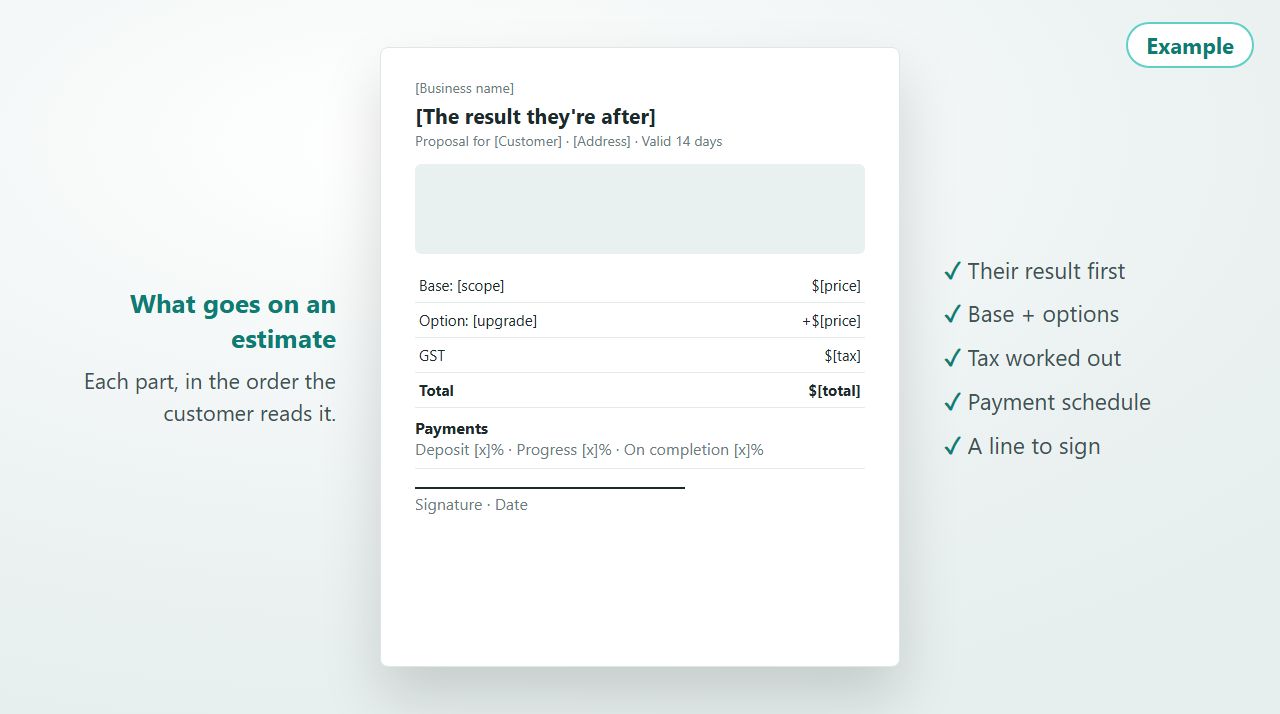
Getting paid · 5 min setup
Free contractor estimate template
What goes on an estimate, section by section, and a free proposal builder for concrete and formwork jobs: site photos, a base price plus options, a price book, saved to your account.
Guide + proposal builder · free account
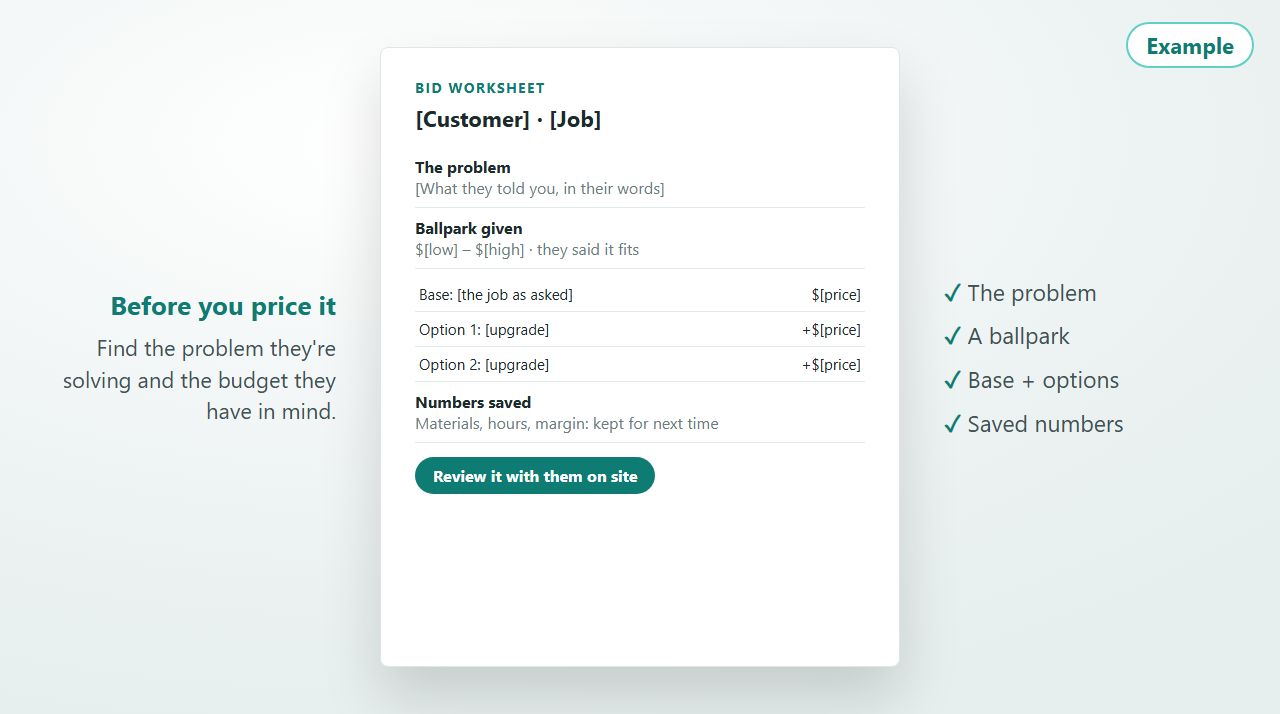
Getting paid · 6 min read
How to bid a contracting job
Find the problem they're solving, use a ballpark to find the budget, price a base plus options, save every number, and review it with them on the spot.
Guide
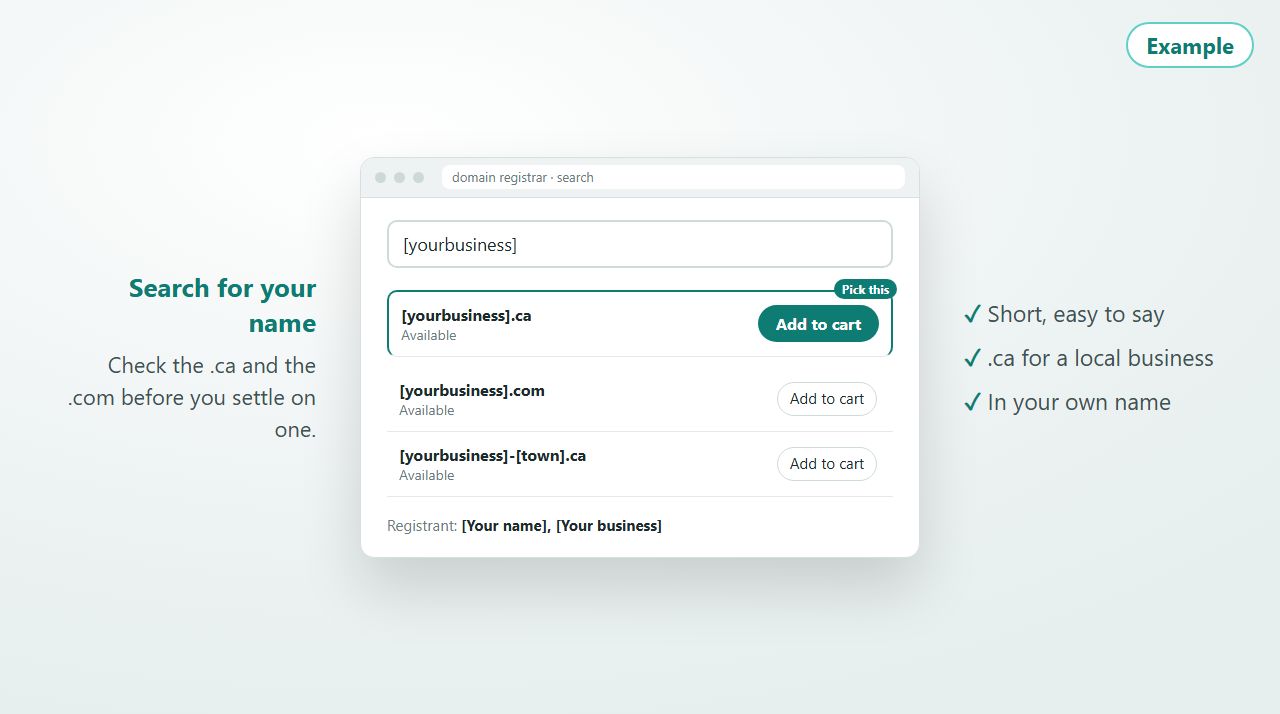
Websites · 8 min read
Buying your domain name
How to pick a domain name for a service business, what to do when the one you want is taken, and how to buy it so it stays in your name.
Guide

Productivity · 15 min setup
One Google Drive on every device
Get your desktop, laptop, phone and tablet working from the same files. A 1-minute video plus a 6-step interactive walkthrough with Windows/Mac and iPhone/Android paths.
Video + interactive walkthrough · free account
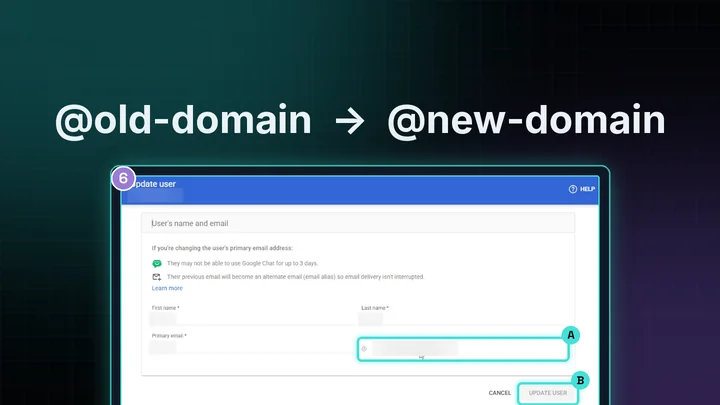
Systems · 6 steps
Switch your Workspace email to a new domain
New business name or domain, but your email still ends in the old one? Add the new domain to Google Workspace and switch your primary email. 6 steps with screenshots, plus a PDF.
Step-by-step guide + PDF · free account