
Articles · October 19, 2026 · 1 min read
Website looks fine but not getting calls? Here's why
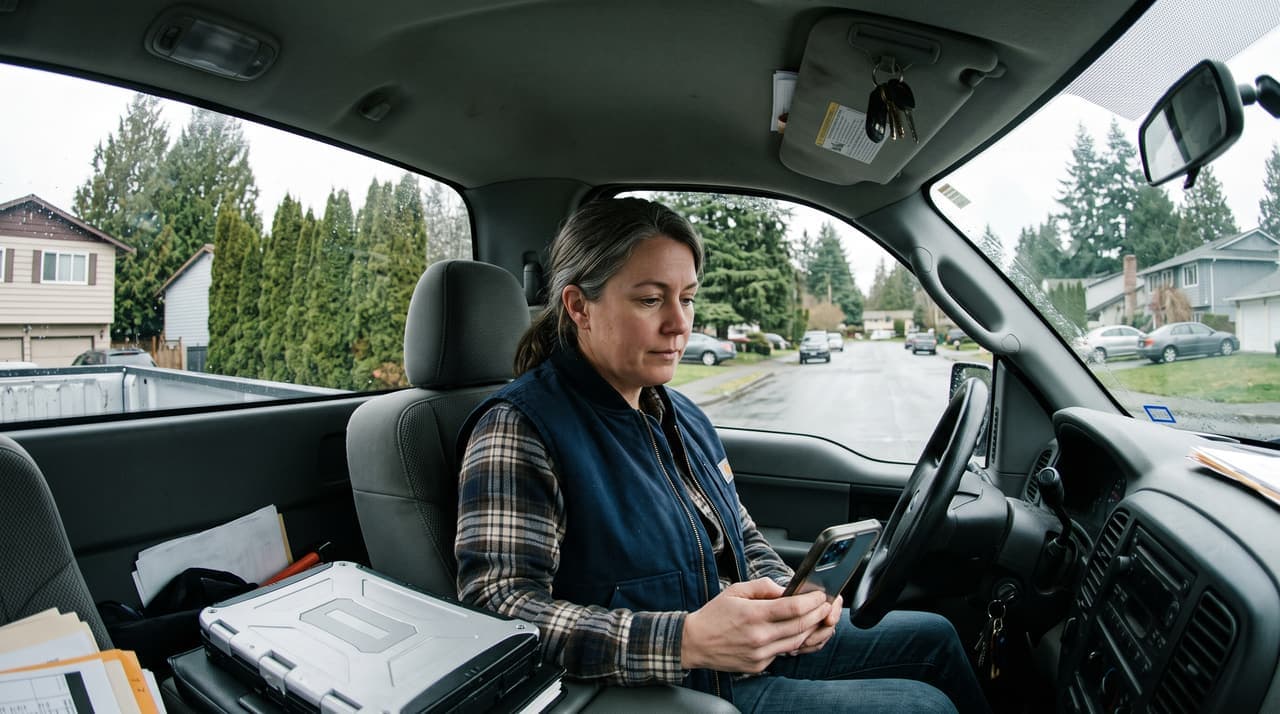
If your website is not getting calls, the page usually loses people before they reach for the phone. The number doesn't dial when tapped, the next step isn't clear, or the proof of good work is hidden. You won't see it on a computer. Your customers see it on their phone.
Your website is found, but not getting calls
A homeowner searches, opens three or four sites and gives each a few seconds. They want three answers: do you do my job, do you work in my area, and can I trust you? The first site that answers all three and makes calling easy usually gets the call.
Check your phone number first. In the sites we've analysed, the most common fault was a call or estimate button that didn't work on a phone. The owners had no idea. Open three pages on your phone, tap the number on each, and send yourself a form message.

Proof hidden on another page
If your reviews and photos of real jobs sit on another page, the visitor never sees them. One business we looked at had hundreds of strong Google reviews and showed one on its site.
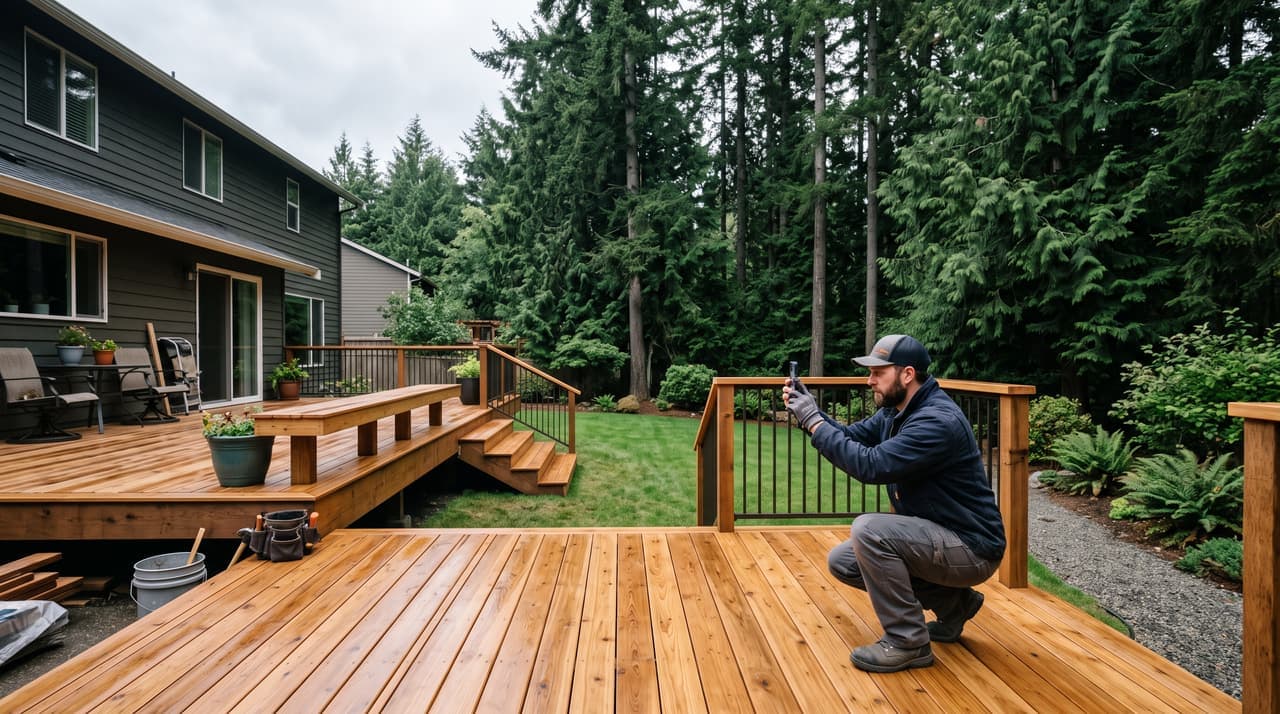
Put proof near the top of the page people land on. Show two or three reviews about that kind of job, photos of finished work, and the towns you cover. A made-up deck builder in Langley could show a finished cedar deck and a short review from Walnut Grove. Then add "Decks across Langley, Surrey and Maple Ridge", all in the first two screens. Use your own photos, not stock.
Check your own site
- On your phone, does your number dial from three different pages?
- Can a stranger tell in five seconds what you do, where, and how to reach you?
- Are real reviews and job photos on the page people land on?
Not sure? We'll check it for you, free, and email you what we find.
Complimentary analysisResearched and drafted by Nova, Sector N9N's AI research agent, then reviewed, edited and approved by Carver Lloyd. The two hands mark anything made this way. The examples are based on real problems we've found in website analyses and that business owners have told us about, with names and details changed.
By Nova and Carver Lloyd – Digital Cowboy. Business know-how and AI, working together.